 Smart Cleaner
A practical guide
Deleted photos, but storage still looks full?
First compare the same storage screen you checked before. Then review recovery areas and extra copies. Avoid repeatedly deleting more photos just because a number has not changed as expected.
The visual guide
Four checks before deleting more
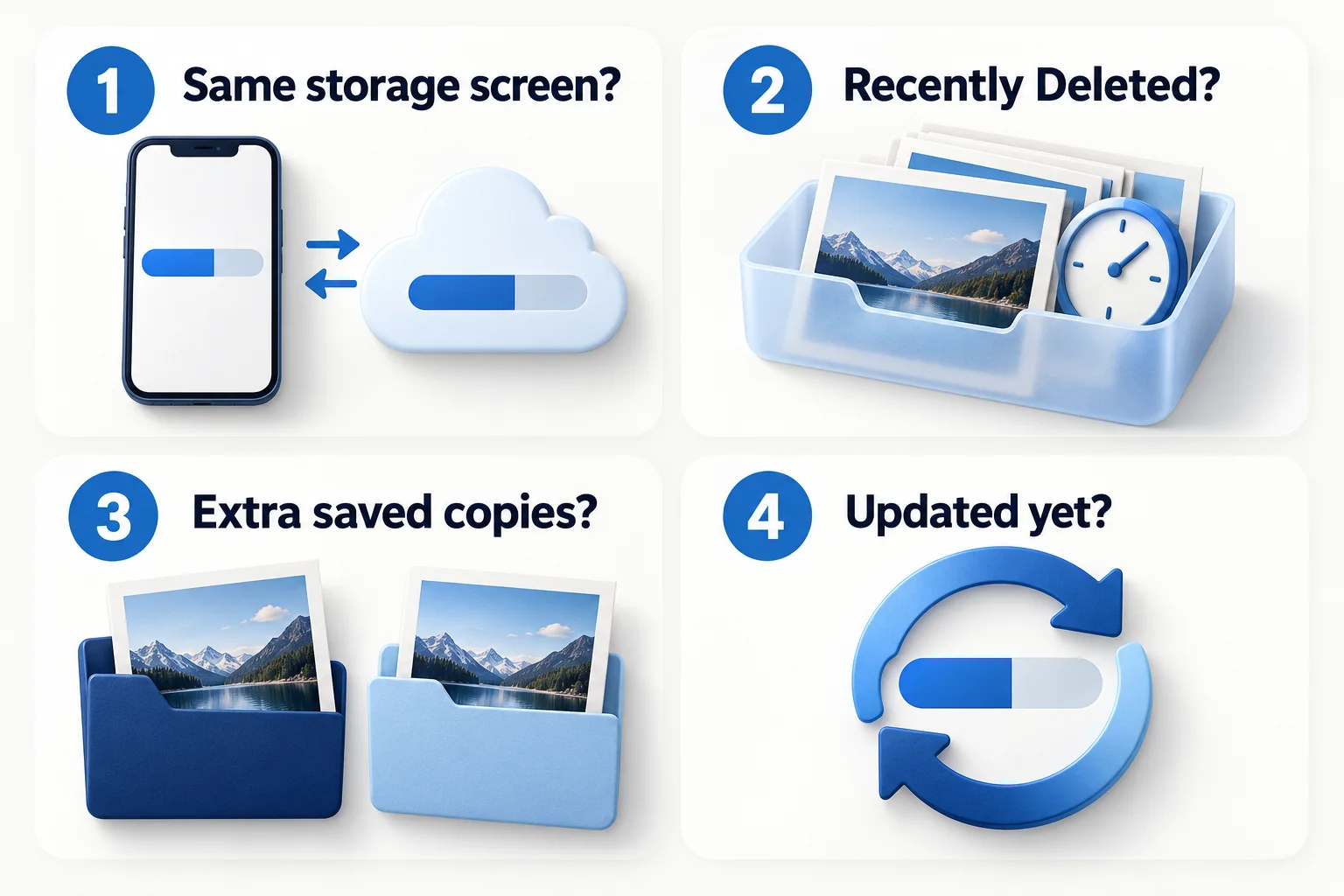
- Compare the same quota: device storage and iCloud storage are different measurements.
- Review Recently Deleted and any extra saved copies. Do not permanently remove anything until you have checked what you need.
- Allow storage reporting and syncing to update, then recheck the category breakdown. Recently Deleted normally allows recovery for 30 days; it is not a backup.
Original AI-assisted illustration by the Smart Cleaner team · October 27, 2026. Conceptual illustration; not an app screenshot. When referencing this visual, credit Smart Cleaner and link to this guide.
Confirm which storage you are measuring
A cloud quota, a photo file’s size and the device’s available space measure different things. Check whether the original warning was about the device or iCloud. An optimized library can use different local storage than the full-resolution files.
Review Recently Deleted cautiously
Apple keeps deleted photos in Recently Deleted for a recovery period, normally 30 days. Permanent removal ends that recovery option. Review the items and your backups before taking that action; this guide does not recommend emptying the whole folder as a default cleanup step.
Look for copies you created
If you compressed or exported media, you may now have both versions. Check Files downloads and Photos separately. Identify each copy before removing anything, and retain the original when you still need its quality or editability. A download does not replace the source automatically.
Allow changes to settle
Give storage reporting and any relevant syncing time to update, then return to the same screen. If the figures remain confusing, record what you changed and consult Apple’s support guidance rather than testing repeated irreversible deletions.
Choose a different category if needed
Photos may not be what fills the device. Review the category breakdown and consider a removable offline download or unused app instead. Our planner can suggest a short task based on your choices but cannot diagnose hidden device storage.
Good to know
Is Recently Deleted a backup?
No. It is temporary recovery storage with a limited retention period. Keep an independent verified backup of important originals.
Sources and further help
Checked October 27, 2026. Apple’s interface labels may vary by iOS version. App capabilities reflect its current listing; check the app for available controls and offers.