 Smart Cleaner
Smart Cleaner · guides
Make room with confidence
Practical iPhone storage guides, with native options, clear limits and time to review your choices.
 01
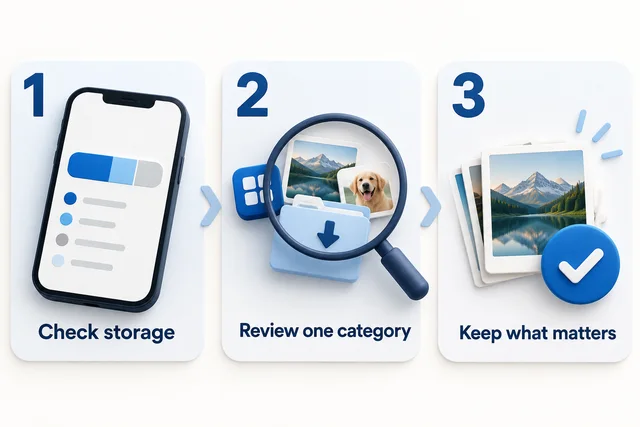
01How to free up iPhone storage, one decision at a time
Check what is using space, choose a small review task and avoid deleting photos you want to keep.
Explore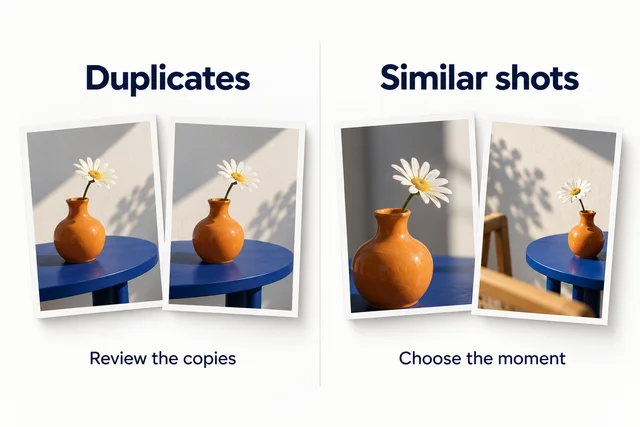 02
02How to review duplicate photos on iPhone
Understand Apple Photos duplicate merging, similar-photo review and the consequences of deleting synced photos.
Explore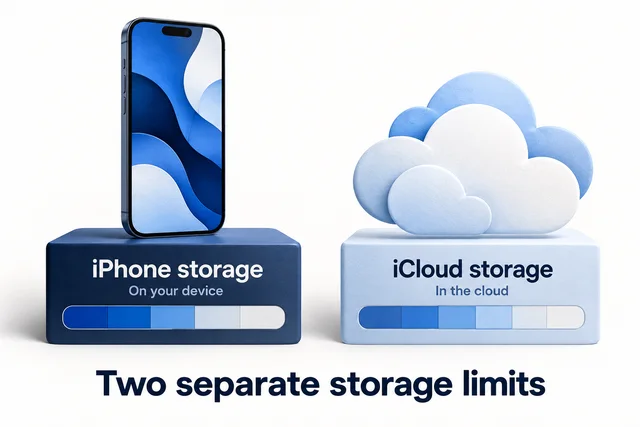 03
03iPhone storage and iCloud storage are different
Identify which storage warning you have before buying cloud space or deleting photos.
Explore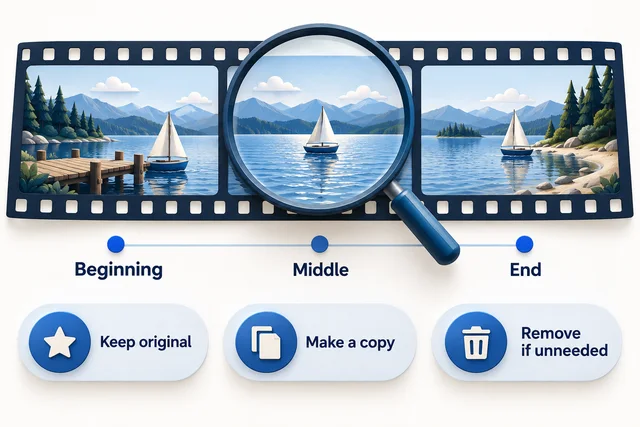 04
04How to find and review large videos on iPhone
Start with recordings you recognize, compare storage context and choose whether to keep, compress or remove.
Explore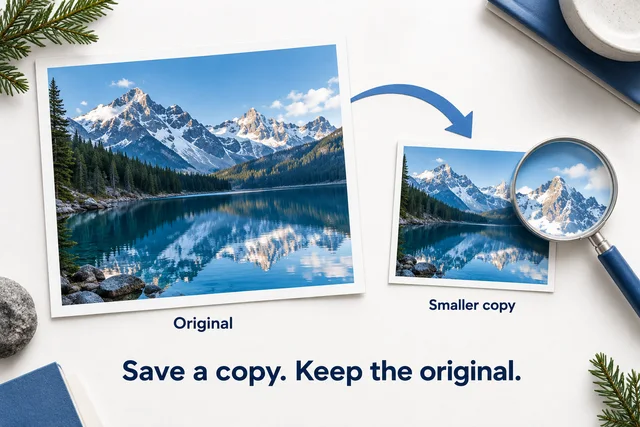 05
05How to make a smaller photo copy on iPhone
Resize and compress an image for sharing, compare the result and keep your original safe.
Explore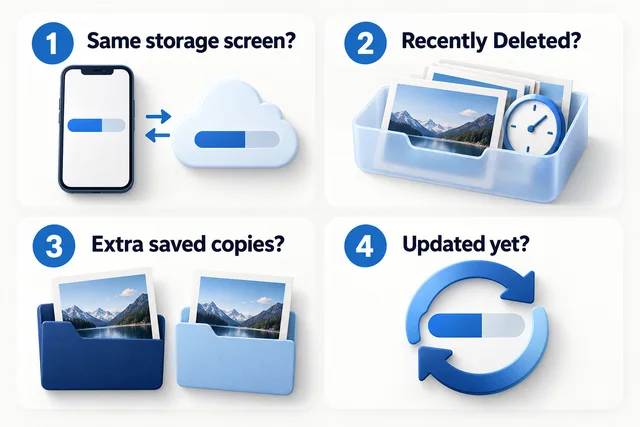 06
06Deleted photos, but storage still looks full?
Check recovery folders, storage type and saved copies before deleting anything else.
Explore 07
07Free up iPhone space without deleting photos
Keep your photos while reviewing replaceable downloads, offloading unused apps and understanding Optimize iPhone Storage.
Explore 08
08How to compress videos on iPhone
Choose a video size target, estimate bitrate, inspect a compressed copy and preserve the original until you are satisfied.
Explore 09
09Clean up iPhone screenshots without losing useful records
Sort disposable screenshots from receipts, instructions and important records, then review sync and deletion before clearing space.
Explore 10
10Understanding iPhone System Data
What iPhone System Data includes, what storage tools can and cannot change, and safer ways to investigate a full device.
Explore