 Smart Cleaner
A practical guide
iPhone storage and iCloud storage are different
iPhone storage is the device’s capacity. iCloud storage is a separate cloud quota. Buying more cloud storage does not increase the physical capacity of your phone.
The visual guide
Two storage limits, two places to check
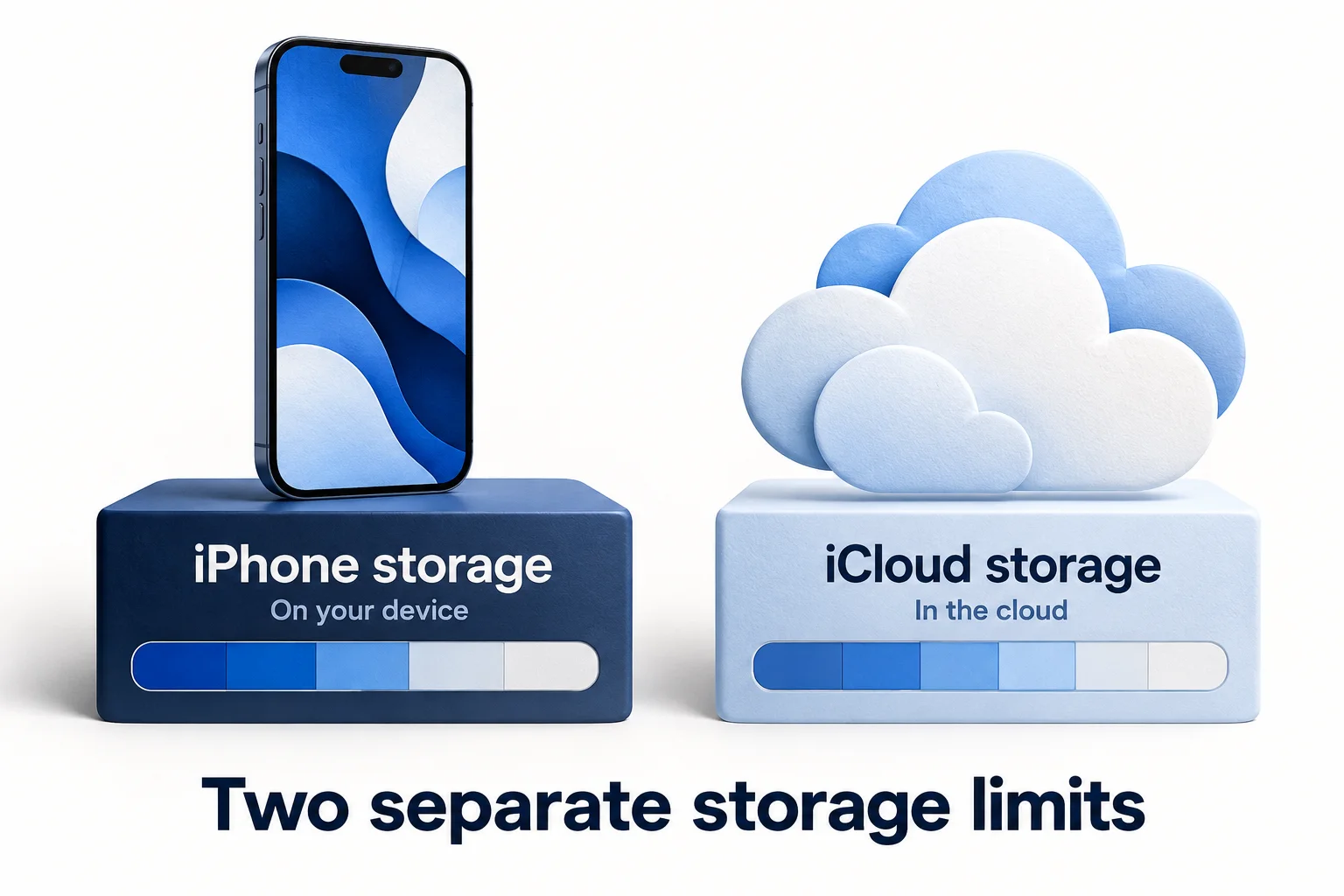
- Device capacity: check Settings → General → iPhone Storage.
- Cloud quota: check Settings → your name → iCloud.
- Optimize iPhone Storage can change local photo storage, but the two quotas remain separate. iCloud Photos sync is not an independent archive.
Original AI-assisted illustration by the Smart Cleaner team · October 27, 2026. Conceptual illustration; not an app screenshot. When referencing this visual, credit Smart Cleaner and link to this guide.
Read the location of the warning
Compare Settings → General → iPhone Storage with the iCloud storage view under your Apple Account. Write down which one is nearly full. A screenshot of one screen cannot establish the status of the other; the web planner asks you to choose the goal explicitly.
Choose an action for that quota
For device space, investigate local downloads, apps and media. For cloud space, review the categories shown in your iCloud settings. Do not delete local items based only on the assumption that they dominate the cloud quota, or buy cloud space expecting every on-device file to disappear.
Treat sync as sync, not a separate archive
iCloud Photos keeps library changes in sync. Removing a photo is therefore not the same as keeping a protected original in another independent location. Verify your backup strategy before using deletion to reduce either quota.
Use optimization with clear expectations
Apple offers Optimize iPhone Storage for iCloud Photos. Review Apple’s requirements and current guidance before changing it. This is different from creating a compressed copy for sharing, and the web compressor does not control iCloud or your device’s optimization process.
Measure the same thing twice
After a change, compare the same quota screen with your baseline. Wait for relevant syncing or updates rather than switching screens and assuming conflicting figures indicate failed cleanup.
Good to know
Will deleting photos on my phone keep them in iCloud?
Not when deletion is synced through iCloud Photos. Check your setup and keep an independent copy of anything important.
Sources and further help
Checked October 27, 2026. Apple’s interface labels may vary by iOS version. App capabilities reflect its current listing; check the app for available controls and offers.