 Smart Cleaner
A practical guide
How to review duplicate photos on iPhone
Use Apple Photos for the duplicate groups it identifies. For separate shots that merely look alike, review them individually or use a similarity-review workflow. Keep anything you cannot confidently identify as unnecessary.
The visual guide
Duplicates or different moments?
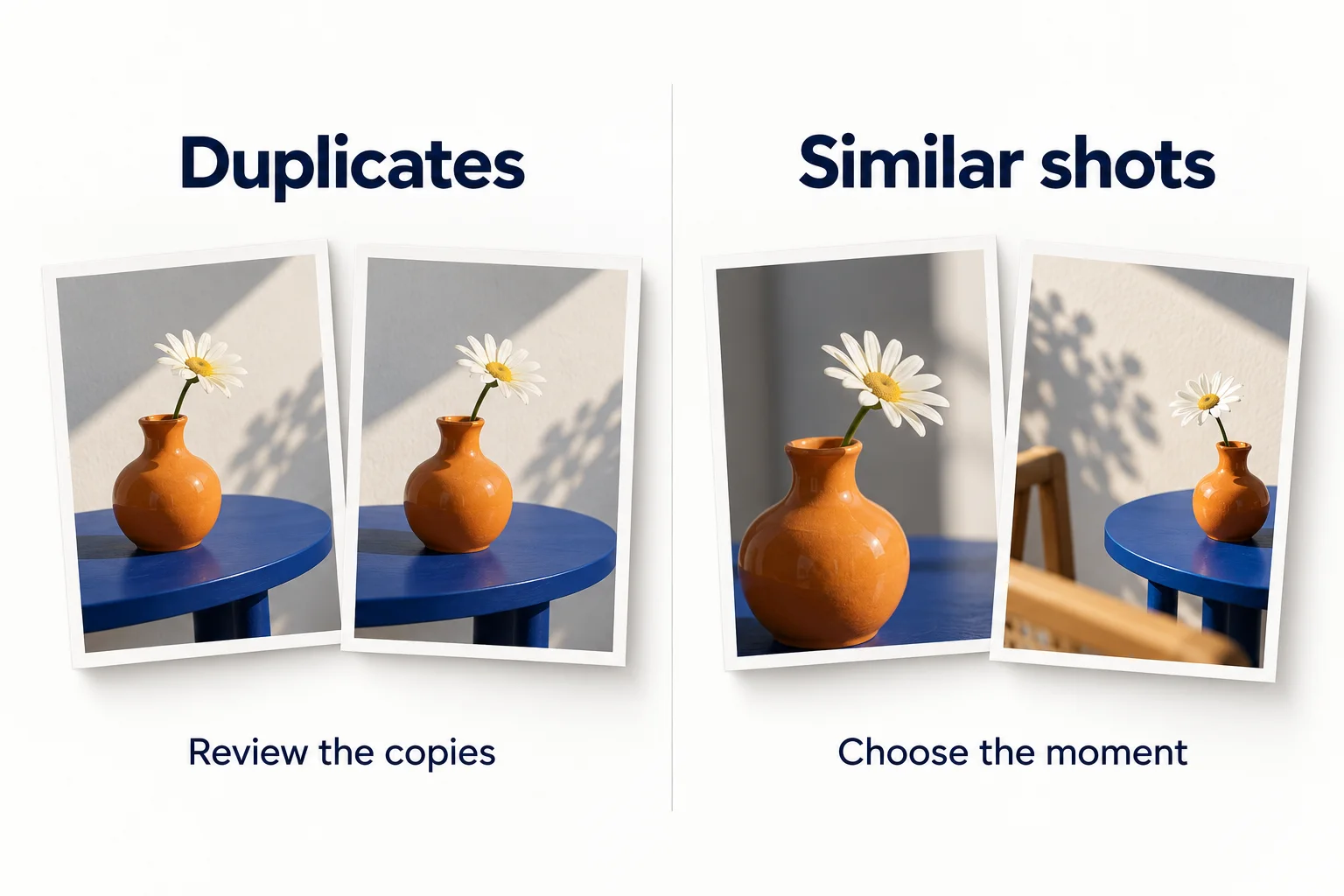
- Duplicates: review the groups Apple Photos identifies before using Merge.
- Similar shots: compare focus, framing and meaningful differences before deciding what to keep.
- These are illustrative examples, not a demonstration of how an app detects duplicates. With iCloud Photos, deletions sync across the library.
Original AI-assisted illustration by the Smart Cleaner team · October 27, 2026. Conceptual illustration; not an app screenshot. When referencing this visual, credit Smart Cleaner and link to this guide.
Find Apple’s duplicate groups
In Photos, look for Duplicates in the Utilities collection; placement can vary with iOS. Apple shows the collection when it detects duplicates. Review the displayed groups before using Merge. Read Apple’s current instructions below if your layout differs; a missing collection is not proof that every photo is unique.
Inspect meaningful differences
Zoom in on focus and faces, and check whether one image has edits you want. Near-identical shots can represent different expressions or moments. A broad similarity detector is useful for finding candidates but cannot make that personal decision for you.
Choose a small batch
Start with one group, review the proposed action and check the result before expanding the selection. Smart Cleaner provides a separate similarity-review option if near-repeat shots are your problem. Its suggestions do not replace your confirmation.
Understand the library boundary
With iCloud Photos, removing an item affects the synced library. If you want an independent copy, save and verify one outside that syncing relationship first. Recently Deleted is a recovery area, not a long-term backup; do not permanently clear it while still checking the result.
Good to know
Why can’t I see Duplicates?
Photos may not have identified duplicate groups yet. Follow Apple’s guidance rather than assuming a third-party app will find a guaranteed amount to remove.
Sources and further help
Checked October 27, 2026. Apple’s interface labels may vary by iOS version. App capabilities reflect its current listing; check the app for available controls and offers.