 Smart Cleaner
A practical guide
Understanding iPhone System Data
System Data is managed by iOS and can change over time. A third-party cleaner cannot simply erase all system files or expand your phone’s physical capacity.
The visual guide
Inspect the storage you can control
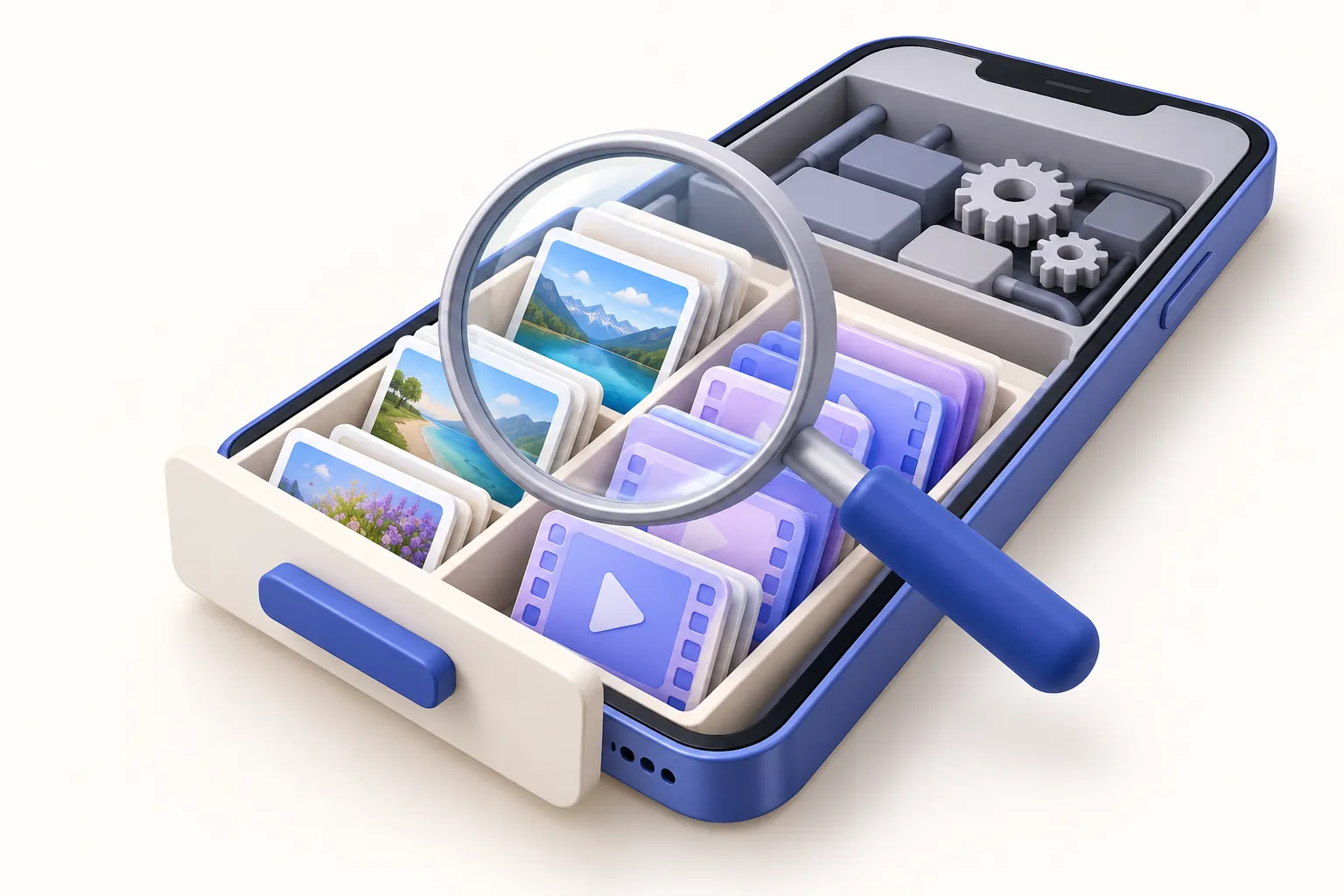
- Allow the storage breakdown to finish updating.
- Review user-controlled downloads and unused apps first.
- Use Apple support for unexplained persistent growth; do not assume an exact recoverable amount.
Original AI-assisted illustration by the Smart Cleaner team · October 27, 2026. Conceptual illustration; not an app screenshot. When referencing this visual, credit Smart Cleaner and link to this guide.
Read the storage breakdown first
Open Settings → General → iPhone Storage and let the breakdown finish updating. Apple groups caches, logs and other resources in system-related storage categories. The displayed amount can fluctuate; a screenshot of a single moment is not a diagnosis.
Start with content you control
Review large downloads and unused apps before chasing a system number. Use the owning app’s controls for offline media. Read what each action removes: deleting an app may remove documents, while offloading preserves its documents and data. Avoid deleting personal content just to test a theory.
Do not treat a cleaner as a system eraser
Smart Cleaner focuses on user-accessible media and supported app features. Neither its website nor its native photo tools have arbitrary access to delete iOS system data. Be skeptical of a promise to erase all caches, boost RAM permanently or recover an exact number of gigabytes without inspecting the device.
If the problem persists
Allow storage figures to settle, check available iOS updates and follow Apple’s device-specific troubleshooting. Back up important data before major changes. If unexplained growth continues or updates cannot install, contact Apple Support. A factory reset is not a routine first step in this guide.
Good to know
Can this website scan System Data?
No. Browser tools cannot inspect iOS storage categories; any figures you enter are supplied by you.
Will buying iCloud storage shrink System Data?
It does not directly increase physical device capacity or guarantee a change to System Data.
Sources and further help
Checked October 27, 2026. Apple’s interface labels may vary by iOS version. App capabilities reflect its current listing; check the app for available controls and offers.